

HERE TO HELP
Let’s keep you creating.
The essentials, the details, and a real person when you need one.
support@orcalabs.netTHE ESSENTIALS
A few clear details.
Dorr is made by Orca Labs for iPhone and Android. It combines photo editing with creating short videos from still photos.
- Requires
- iPhone · iOS 18+
Android 10+ - Photos per video
- 2–20
- Video aspect ratios
- 9:16 · 1:1 · 16:9
- Save videos for free
- 720p standard · ads may appear
- Dorr Pro
- 1080p HD · premium content · no ads
GOOD TO KNOW
Frequently asked questions
What is Dorr?
Dorr is a photo editor for iPhone and Android and photo slideshow maker by Orca Labs. Edit individual pictures with styles, filters, effects, textures and text, or turn 2–20 photos into a short video with a theme and optional built-in music.
How do I quickly make a video from photos?
Choose 2–20 photos in Dorr, pick a theme and optional built-in music, then preview and save the slideshow to your phone. You can reorder photos, edit each image and adjust the total duration and aspect ratio.
Is Dorr free?
Dorr is free to download. You can save videos in standard quality for free; ads may appear. Dorr Pro lets you save in 1080p HD and includes premium content, with no ads. Subscription prices are shown in the app and vary by region.
Can I add my own music?
Dorr currently offers a selection of built-in music tracks and a No music option. Importing your own audio, Apple Music or Spotify tracks is not supported.
How many photos can I use?
Choose between 2 and 20 photos for each video. Reorder your selection, edit individual images and preview the sequence before saving.
Which devices does Dorr support?
Dorr supports iPhone with iOS 18 or later and Android 10 or later. Check the App Store or Google Play listing for current device compatibility.
Are my photos uploaded for editing?
Photo editing and video rendering happen on your device. Your media is not uploaded for editing. The app uses services for functions such as analytics and ads; see the privacy policy for details.
Can Dorr edit existing video clips?
Dorr creates videos from still photos. It does not import existing video clips for timeline editing or generate AI motion from a picture.
Is Dorr the same app as “Dorr: One-Tap AI Photo Editor”?
Dorr was previously listed on the App Store as “Dorr: One-Tap AI Photo Editor.” It is the same app, now named “Dorr: Photo Editor & Slideshow.” Besides photo editing, it turns 2–20 photos into a video with music.
Something not working?
Email your device model, iOS or Android version, Dorr version and what happened to support@orcalabs.net. Please avoid sending private photos unless they are needed and you are comfortable sharing them.
Manage subscriptions and renewal dates in iPhone Settings → Apple Account → Subscriptions, or in Google Play → Payments & subscriptions → Subscriptions on Android. Dorr Pro offers monthly and annual auto-renewing subscriptions; local pricing is shown in the app.
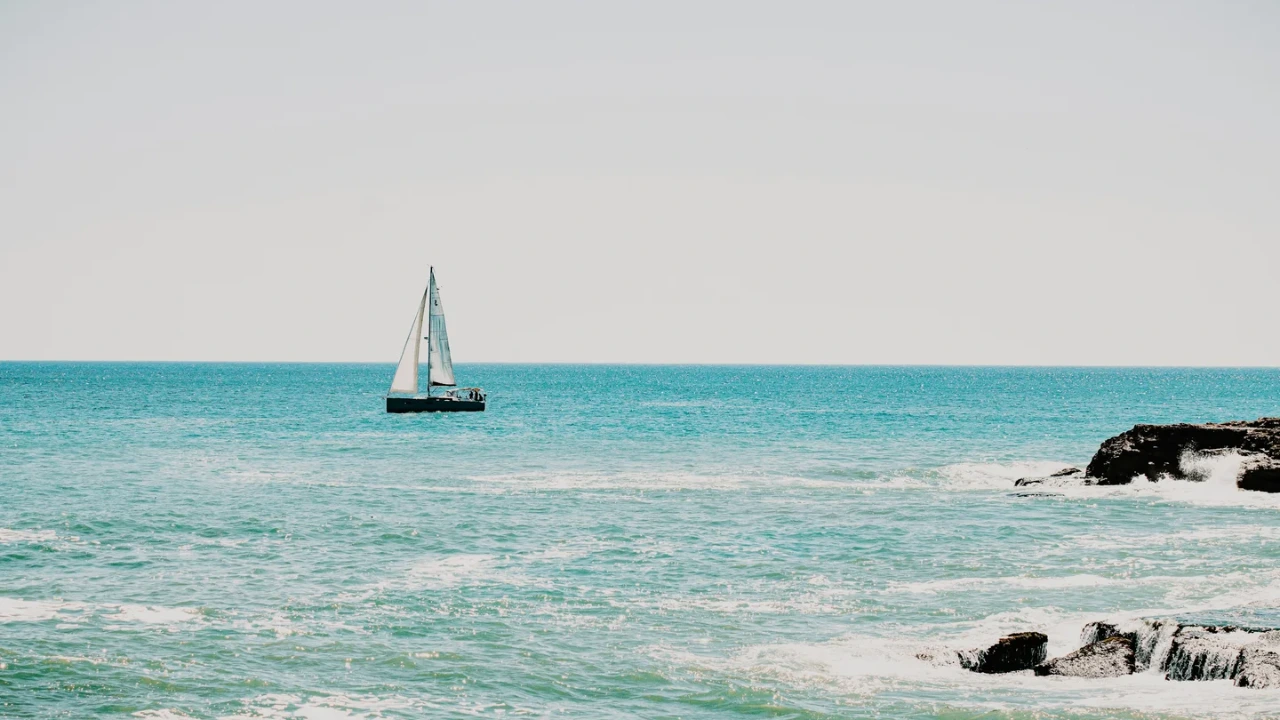
YOUR NEXT PHOTO. YOUR NEXT STORY.
Dorr app for iPhone and Android
Keep creating, wherever the day takes you. Edit photos and make videos on iPhone and Android.
iPhone (iOS 18+) · Android 10+ · Free download