

Your photos.
Worth another look.
Edit photos. Make videos with music. Free on the web. Also on iPhone and Android.
Make a video with these photos


Same photo. A different feeling.
Explore filters, effects and textures. Choose what changes.

What will you remember?
How to make a slideshow with music


IN YOUR BROWSER
How to make a video from photos with music
Choose 2–20 photos
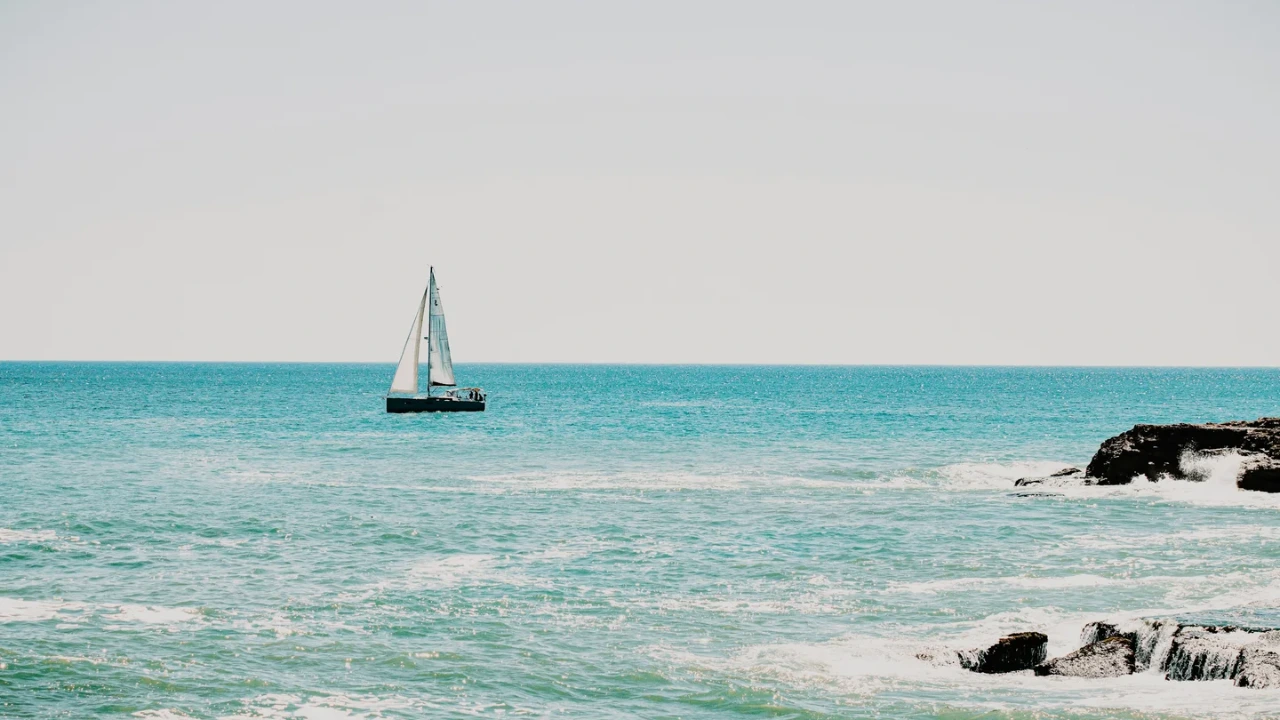
Add your photos in the browser, then arrange them in order. You can also try the four coastal sample photos.
Choose a theme and music
Preview a theme, choose built-in music or No music, then set the aspect ratio and total duration.
Preview and save
Choose Save after previewing. Keep the tab visible while the video is recorded, then save the finished file.
WEB AND APP
Dorr web editor vs. the iPhone and Android app
Dorr is a photo editor and slideshow maker by Orca Labs for iPhone, Android and the web. Edit photos with 29 AI styles, 59 filters and 30 effects, or turn 2–20 photos into a video with 26 themes and built-in music.
| Feature | Web editor | iPhone and Android app |
|---|---|---|
| Price | Free · no sign-up or installation | Free download · standard-quality saving may show ads · Dorr Pro subscription |
| Photo editing | 29 AI styles, 59 filters, 30 effects, 23 textures, crop and adjustments | The same kinds of looks, plus text effects, perspective correction and undo |
| Photo to video | 2–20 photos, 26 themes, 20 built-in tracks | 2–20 photos, 26 themes, 20 built-in tracks |
| Saving | PNG photos up to 720 px; 720p videos (MP4 or WebM) | 720p videos free; 1080p HD with Dorr Pro |
| PRO items | Preview only; remove them to save | Save with Dorr Pro |
| Projects | Stay in this browser tab; save before leaving | Start new projects with photos on your phone |
Dorr was previously listed on the App Store as “Dorr: One-Tap AI Photo Editor.” It is the same app, now named “Dorr: Photo Editor & Slideshow.”
YOUR NEXT PHOTO. YOUR NEXT STORY.
Dorr app for iPhone and Android
Keep creating, wherever the day takes you. Edit photos and make videos on iPhone and Android.
iPhone (iOS 18+) · Android 10+ · Free download
THE CREATIVE NOTES
Photo editing and slideshow guides

How to add music to a photo slideshow on iPhone
Build a short photo story with one of Dorr’s built-in tracks, or keep it beautifully quiet.

How to make a travel photo slideshow on iPhone
A practical 12-photo sequence, from the first glimpse to the last golden-hour frame.

9:16, 1:1 or 16:9? Find the right frame for your photos
Choose a portrait, square or landscape canvas before you make the final edit.
GOOD TO KNOW
Frequently asked questions
What is Dorr?
Dorr is a photo editor and photo slideshow maker by Orca Labs. In the free web editor, edit photos with AI styles, filters, effects and textures, or turn 2–20 photos into a video with music. The iPhone and Android app adds text, and Dorr Pro saves videos in 1080p HD.
Is the web editor free? Do I need an account?
The web editor is free and needs no sign-up or app installation. The mobile app has separate conditions: standard-quality video saving is free and may show ads; Pro adds 1080p HD saving, premium content and no ads.
What can I save from the browser?
Photos save as PNG files with a maximum long edge of 720 pixels. Videos save at 720 × 1280, 720 × 720 or 1280 × 720 pixels. The video format is MP4 when supported by the browser, otherwise WebM. Saved videos end with a 1-second Dorr card that you can turn off under Duration. Video saving takes about the playback duration; keep the tab open and visible.
Are my photos uploaded for editing?
Your photos and video rendering are processed in your browser, without uploading your media for editing. The site downloads its editing assets and uses analytics. Subject separation may download a model after you choose to use it; the model works best on portraits.
Can I continue my web project in the iPhone and Android app?
Web projects do not transfer automatically to the app. Save your photo or video before leaving the editor. Use the App Store for iPhone, Google Play for Android, or the QR code to open the download page. Start a new project in the app. Dorr requires iOS 18 or later, or Android 10 or later.