DORR PHOTO TO VIDEO
Make a photo slideshow with music on iPhone and Android.
Make a photo slideshow on iPhone: pick 2–20 pictures, choose a theme and optional built-in music, then preview and save. Adjust the length and frame to fit the story.
Try it here

iPhone (iOS 18+) · Android 10+ · Free download
On a computer? Get the phone QR codeYour photos.
Worth another look.
Edit photos. Make videos with music. Free on the web. Also on iPhone and Android.
Make a video with these photos


QUICK TO MAKE. MADE TO REPLAY.
How to make a photo slideshow with music
A few simple choices turn your favorite photos into a slideshow video. Dorr brings the sequence together for you.
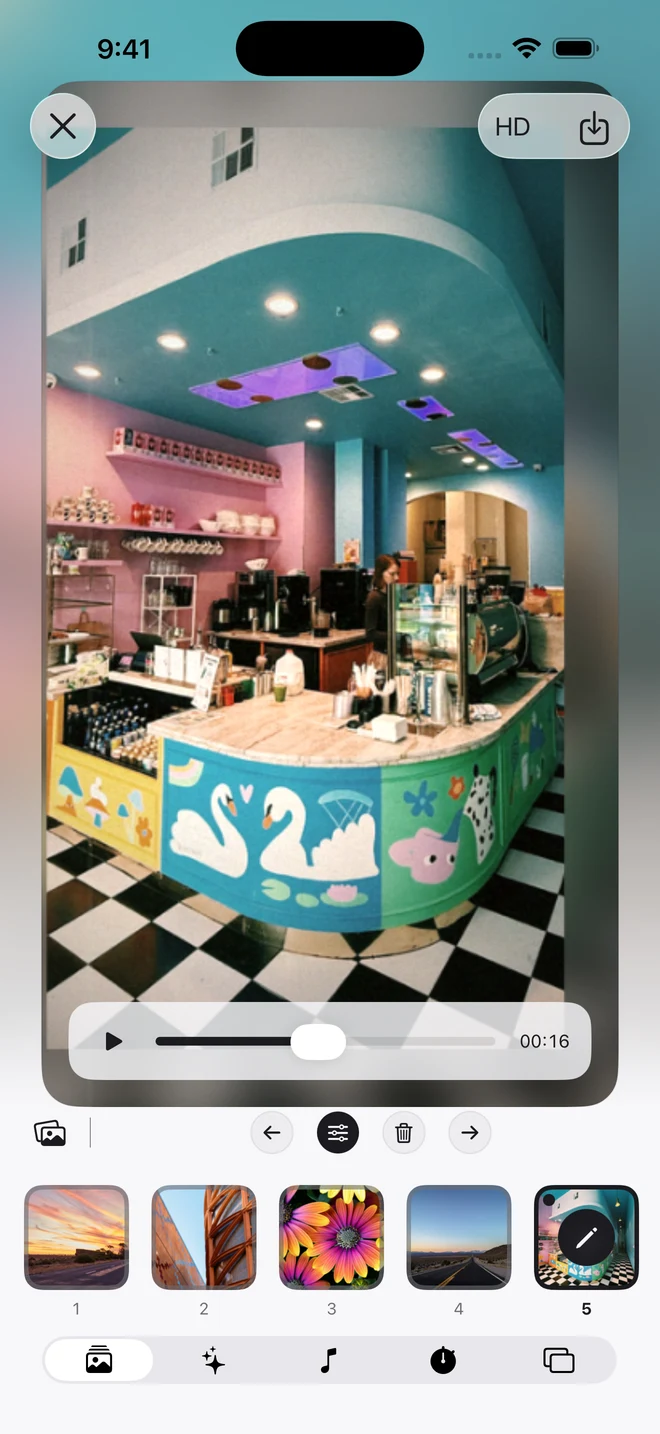
Choose your photos.
Choose 2–20 photos. Put them in order and give each one a little attention.
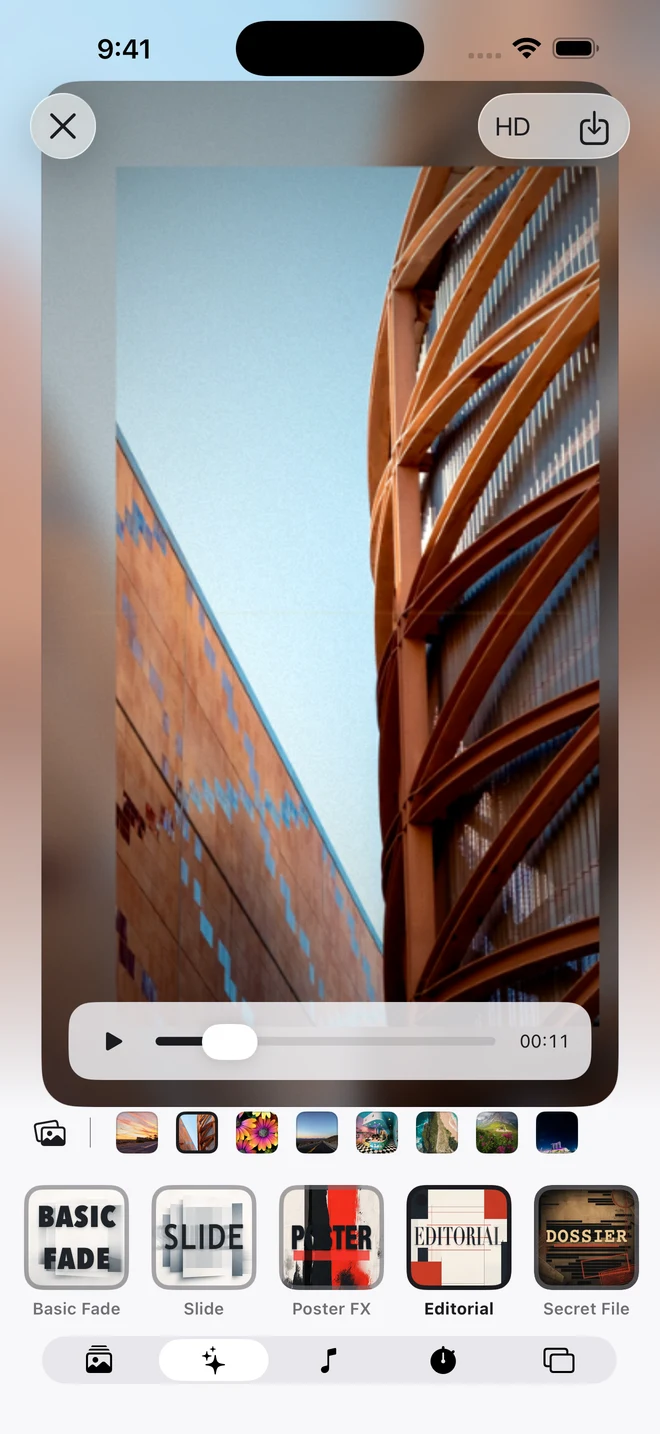
Choose a theme and music.
Preview a theme, choose optional built-in music, and set the pace.
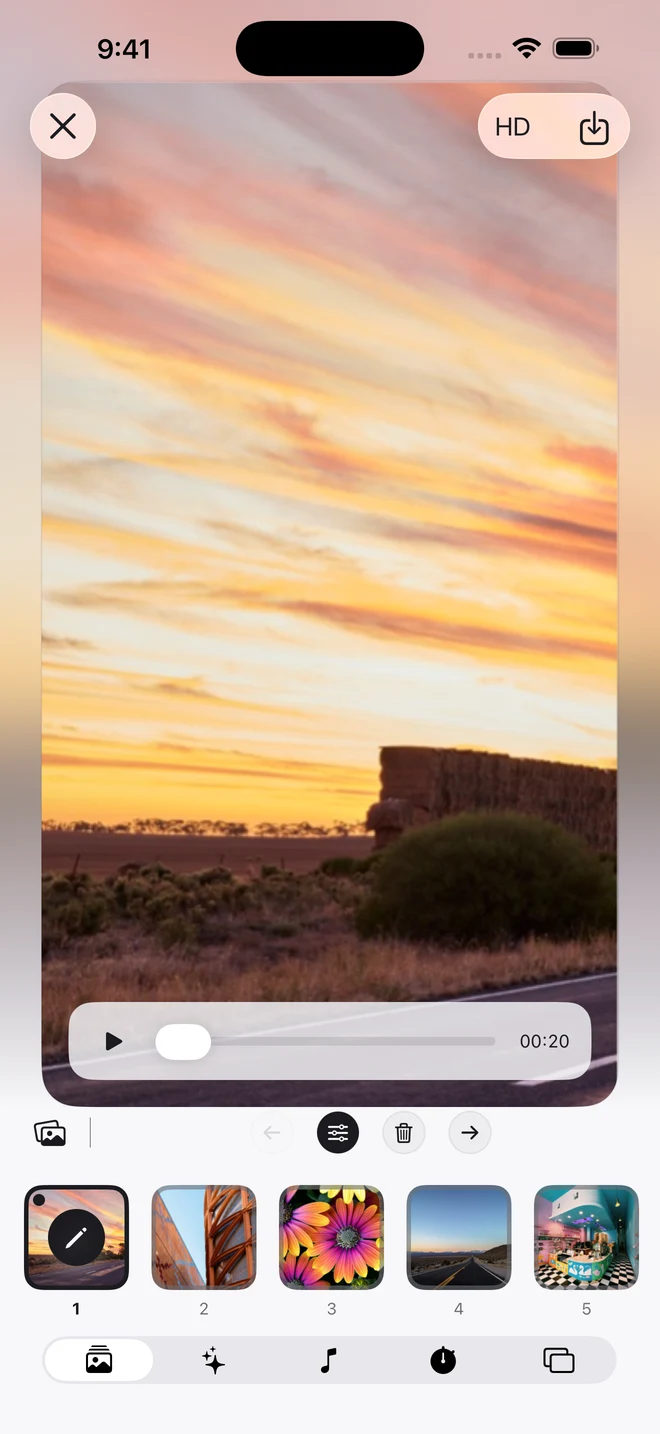
Preview. Save. Share.
Choose an aspect ratio, preview your video and save it to your phone.
FIND YOUR FRAME
Portrait, square or landscape
Three shapes. Your choice. Keep faces, landscapes and the details you love in the picture.
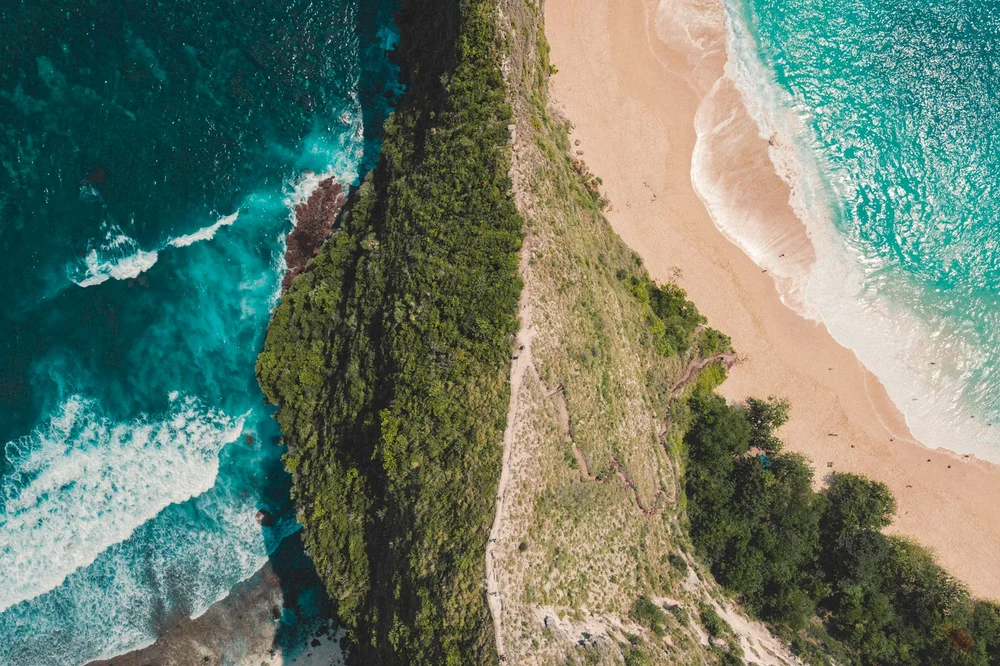 9:16
9:16Framing illustration. Your photos and theme determine the final composition in Dorr.
THE FINISHING TOUCHES
Video themes and built-in music
Choose a theme.
Explore Editorial, Poster Mix, Analog Reel and more. Preview a theme with your own photos. Some themes require Pro.
Set the soundtrack.
Choose built-in music, or select No music. Your own audio files and streaming music imports are not supported.
Make room for the story.
Adjust the total duration and preview the beginning and ending before saving. Saving in standard quality is free; Pro lets you save in HD.
KEEP CREATING
Photo editing and slideshow guides

How to add music to a photo slideshow on iPhone
Build a short photo story with one of Dorr’s built-in tracks, or keep it beautifully quiet.

How to make a travel photo slideshow on iPhone
A practical 12-photo sequence, from the first glimpse to the last golden-hour frame.

9:16, 1:1 or 16:9? Find the right frame for your photos
Choose a portrait, square or landscape canvas before you make the final edit.
GOOD TO KNOW
Frequently asked questions
What is Dorr?
Dorr is a photo editor for iPhone and Android and photo slideshow maker by Orca Labs. Edit individual pictures with styles, filters, effects, textures and text, or turn 2–20 photos into a short video with a theme and optional built-in music.
How do I quickly make a video from photos?
Choose 2–20 photos in Dorr, pick a theme and optional built-in music, then preview and save the slideshow to your phone. You can reorder photos, edit each image and adjust the total duration and aspect ratio.
Is Dorr free?
Dorr is free to download. You can save videos in standard quality for free; ads may appear. Dorr Pro lets you save in 1080p HD and includes premium content, with no ads. Subscription prices are shown in the app and vary by region.
Can I add my own music?
Dorr currently offers a selection of built-in music tracks and a No music option. Importing your own audio, Apple Music or Spotify tracks is not supported.
How many photos can I use?
Choose between 2 and 20 photos for each video. Reorder your selection, edit individual images and preview the sequence before saving.
YOUR NEXT PHOTO. YOUR NEXT STORY.
Dorr app for iPhone and Android
Keep creating, wherever the day takes you. Edit photos and make videos on iPhone and Android.

iPhone (iOS 18+) · Android 10+ · Free download