

PHOTO EFFECTS · FILTER
Color splash effect: black and white background
Color splash keeps the subject in color and turns the background black and white. In Dorr, choose the Noir filter and set Apply to Background: subject separation keeps the person in color. It’s free in the web editor; for your own photos, the editor asks before downloading the separation model once.
Free · No sign-up · Photos stay in your browser
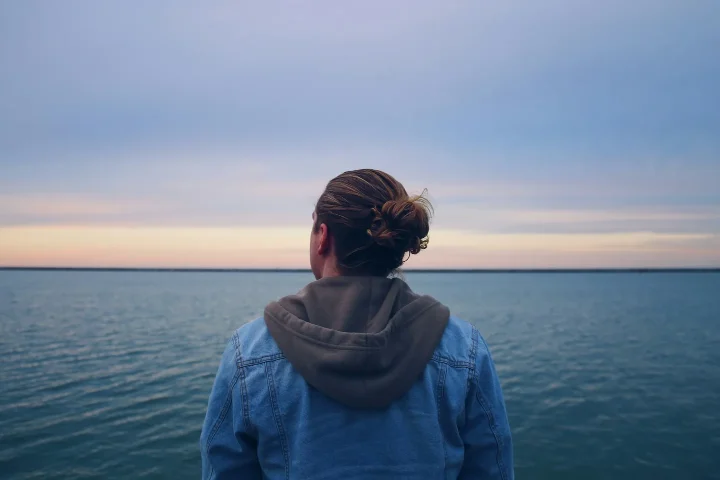
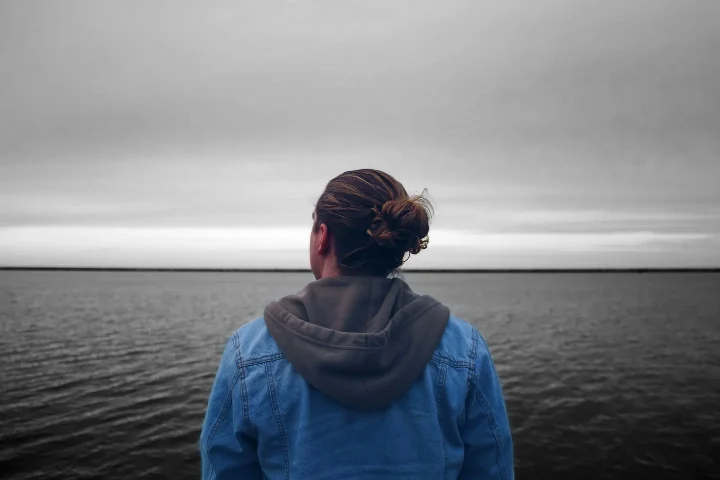
PHOTO EFFECTS · FILTER
What changes at 35, 70 and 100%
At 100% the sea and sky lose their color while the jacket stays blue; across the whole photo, average saturation drops by about 69%. At 70% a little color remains in the background (about 41% less saturation), and at 35% the background is only slightly muted (about 18%).
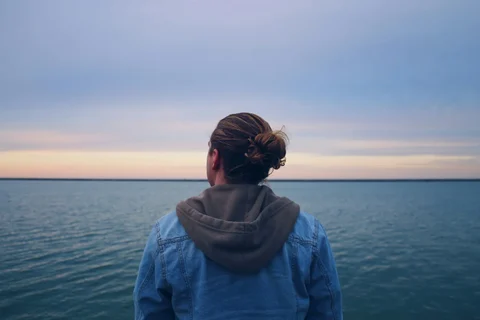
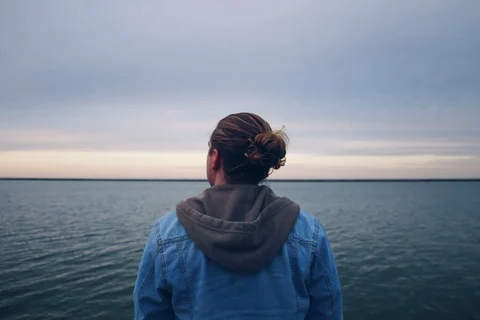
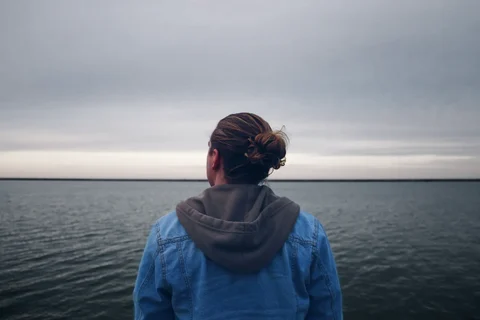
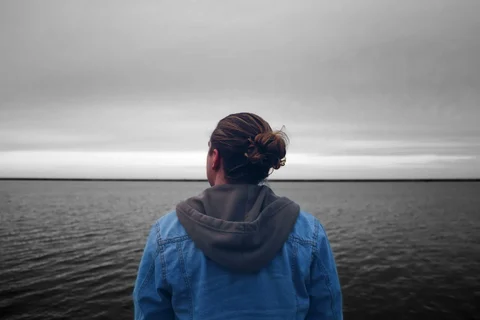
Measured from the images on this page. Results vary with each photo.
IN YOUR BROWSER
How to make a color splash photo online
Open your photo
Start with your own photo or the sample. The photo is edited in your browser and is not uploaded for editing.
Choose Filters → Noir
Under the strength slider, set Apply to Background. Use 100% for a clean black-and-white background. Separation works best when one person stands clearly in front of the background.
Save the PNG
Choose Save to download a PNG up to 720 pixels on its longest side. Save before you leave the page.
PHOTO EFFECTS · FILTER
Which part should keep its color?
The same sample, Noir · Background at 100% and the others at 70%, so you can compare similar looks side by side.
Noir · Background
Background in black and white; the subject keeps its color.
Try Noir · Background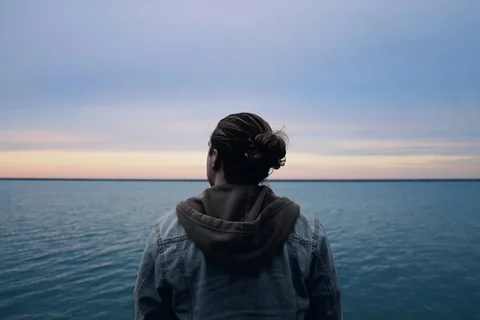
Noir · Subject
The reverse: the subject loses most of its color while the sea and sky stay colorful.
Try Noir · Subject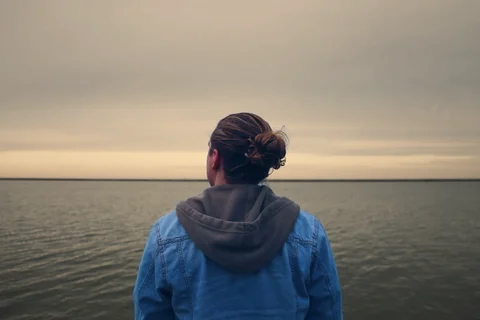
Sepia · Background
A warm beige background behind a subject in full color.
Try Sepia · Background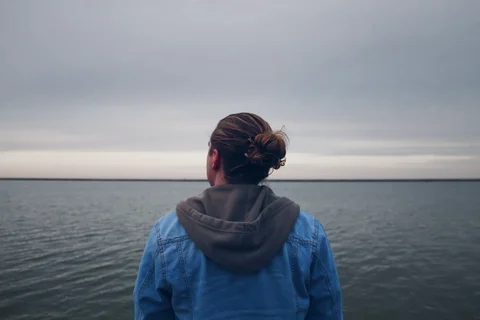
Mono · Background
A soft gray background with the original contrast; the subject keeps its color.
Try Mono · Background
PHOTO EFFECTS · FILTER
Noir · Background at a glance
| Category | Filters |
|---|---|
| Name in Dorr | Noir |
| Strength | 0–100%, start around 100% |
| Apply to | Background (the subject keeps its color) |
| Price | Free on the web and in the app (not Pro) |
| Web save | PNG, up to 720 px on the long side |
GOOD TO KNOW
Frequently asked questions
Is Noir free?
Yes. Noir is not a Pro item, so you can preview and save it free in the web editor and in the iPhone and Android app.
Can I keep the background in color and make the subject black and white?
Yes. Choose Subject instead of Background in Apply to. The comparison above shows Noir on the subject at 70%: the person turns gray while the sea and sky keep their color.
Does the app use the same Noir?
Yes. The web editor uses the same Noir as the Dorr app. In the app you can also add text, correct perspective and undo steps, and Dorr Pro saves in HD.
YOUR NEXT PHOTO. YOUR NEXT STORY.
Dorr app for iPhone and Android
Keep creating, wherever the day takes you. Edit photos and make videos on iPhone and Android.

iPhone (iOS 18+) · Android 10+ · Free download