

PHOTO EFFECTS · EFFECT
Halftone dot effect for photos
Dorr’s Halftone effect rebuilds a photo from round dots of color, like a magnified magazine or comic print. At lower strengths the photo stays readable under the dot screen; at higher strengths the dots take over for a bold pop-art look. Apply it free in the web editor and save a PNG, with no sign-up.
Free · No sign-up · Photos stay in your browser
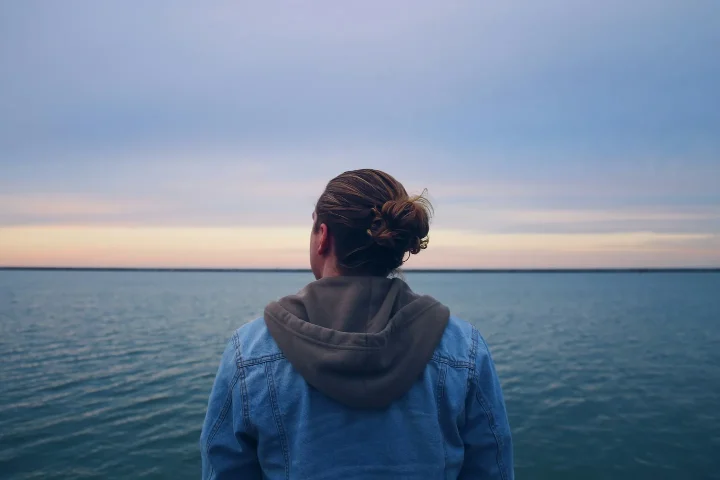
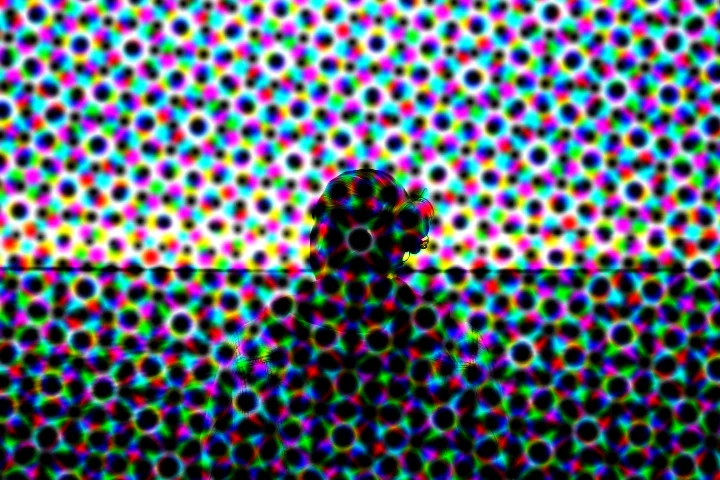
PHOTO EFFECTS · EFFECT
What changes at 35, 70 and 100%
At 35% the dot screen sits over the photo and the sample is still easy to read; average brightness falls by about 15% because of the dark gaps between dots. At 70% and 100% the dots take over: brightness falls by about 23% and 30%, contrast rises by about 39% and 48%, and the bright dot colors roughly double the measured saturation (about +99% at 70%).
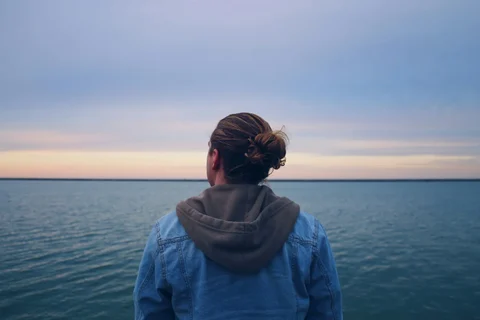
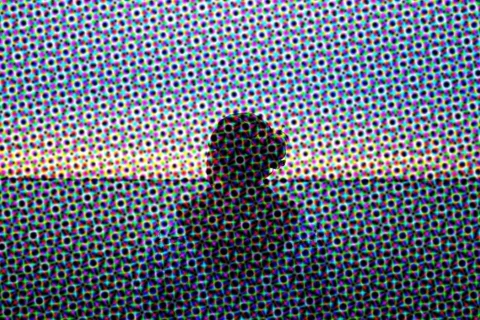
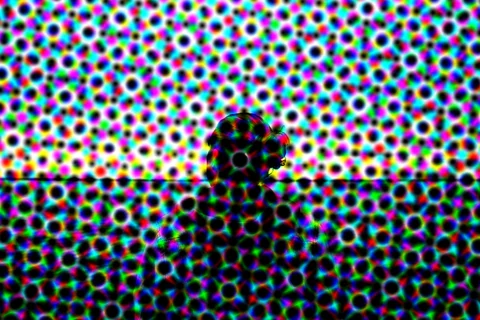
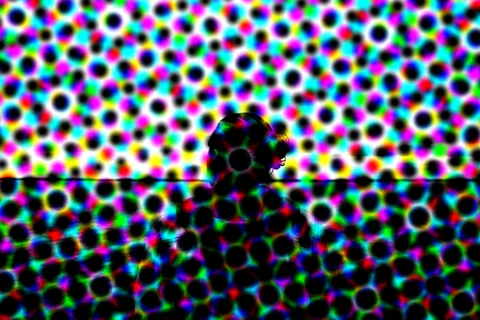
Measured from the images on this page. Results vary with each photo.
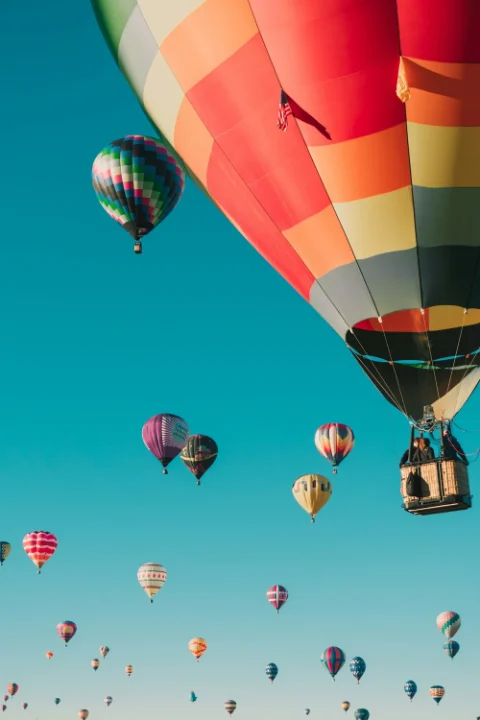
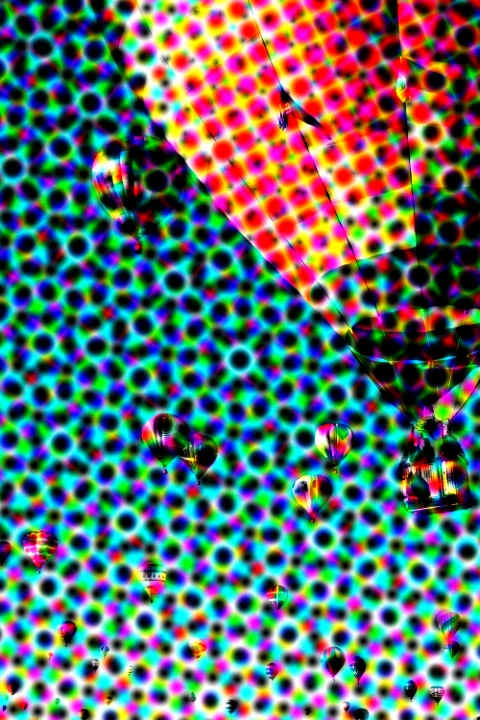
On a photo with big, simple shapes
The large balloon at the top stays easy to recognize through the dots, while the small balloons in the distance almost disappear. Brightness falls by about 20% at 70%. Halftone works best when the main shape is large and the colors are bold.
IN YOUR BROWSER
How to add a halftone effect online
Open your photo
Start with your own photo or the sample. The photo is edited in your browser and is not uploaded for editing.
Choose Effects → Halftone
For a subtle print texture, try about 35%. For a bold pop-art look, use 70% or more.
Save the PNG
Choose Save to download a PNG up to 720 pixels on its longest side. Save before you leave the page.
PHOTO EFFECTS · EFFECT
Halftone, Pointillize, Stipple or Comic?
The same sample at 70%, so you can compare similar looks side by side.
Halftone
A regular grid of bright color dots, like a magnified print.
Try Halftone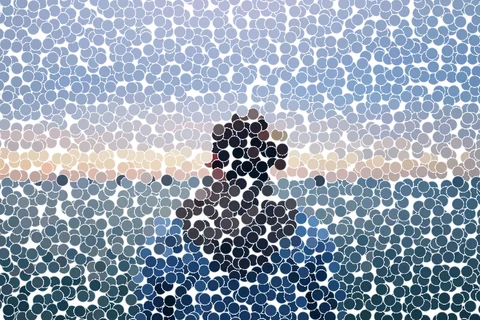
Pointillize
Large round dots of color on white, like a pointillist painting.
Try Pointillize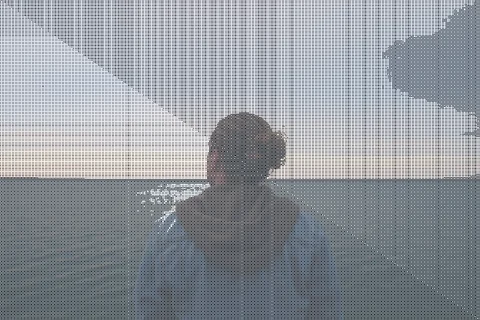
Stipple
A fine grid of tiny dots that mutes the color.
Try Stipple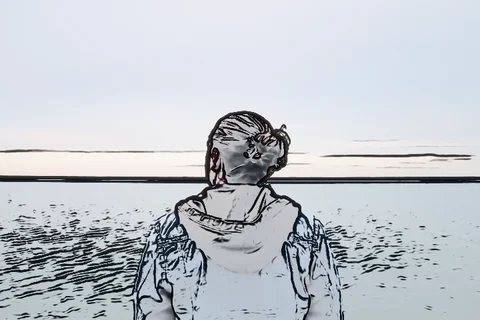
Comic
Black ink outlines with light gray shading on white.
Try Comic
PHOTO EFFECTS · EFFECT
Halftone at a glance
| Category | Effects |
|---|---|
| Name in Dorr | Halftone |
| Strength | 0–100%, start around 70% |
| Apply to | Entire photo, Subject or Background |
| Price | Free on the web and in the app (not Pro) |
| Web save | PNG, up to 720 px on the long side |
GOOD TO KNOW
Frequently asked questions
Is Halftone free?
Yes. Halftone is not a Pro item, so you can preview and save it free in the web editor and in the iPhone and Android app.
What is the difference between Halftone and Pointillize?
Halftone uses a regular grid of small, bright color dots and makes the photo darker: about 23% lower brightness at 70% on the sample. Pointillize uses larger round dots on a white background, so the photo gets lighter instead: about 23% higher brightness.
Does the app use the same Halftone?
Yes. The web editor uses the same Halftone as the Dorr app. In the app you can also add text, correct perspective and undo steps, and Dorr Pro saves in HD.
YOUR NEXT PHOTO. YOUR NEXT STORY.
Dorr app for iPhone and Android
Keep creating, wherever the day takes you. Edit photos and make videos on iPhone and Android.
iPhone (iOS 18+) · Android 10+ · Free download