

PHOTO EFFECTS · EFFECTPRO
Pencil sketch effect for photos
Dorr’s Pencil effect turns a photo into a pencil drawing: outlines become dark strokes and the rest fades toward white paper. Pencil is a Pro item, so you can preview it free in the web editor and save it with Dorr Pro in the iPhone or Android app. For a free outline look, try Comic.
Preview free in your browser · Saving needs Dorr Pro in the app

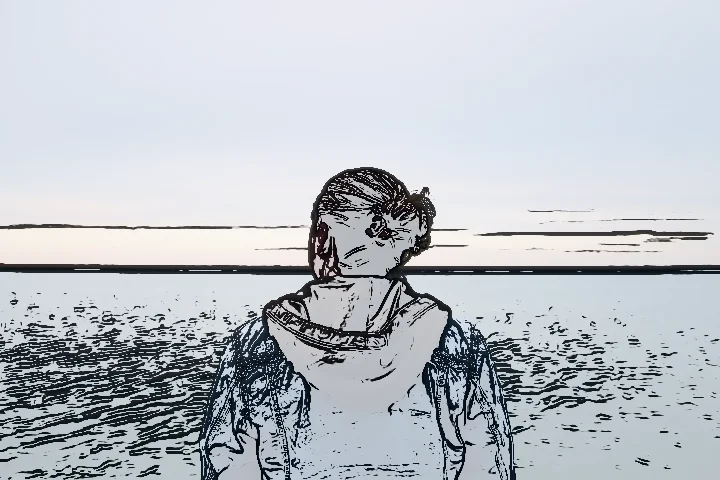
PHOTO EFFECTS · EFFECT
What changes at 35, 70 and 100%
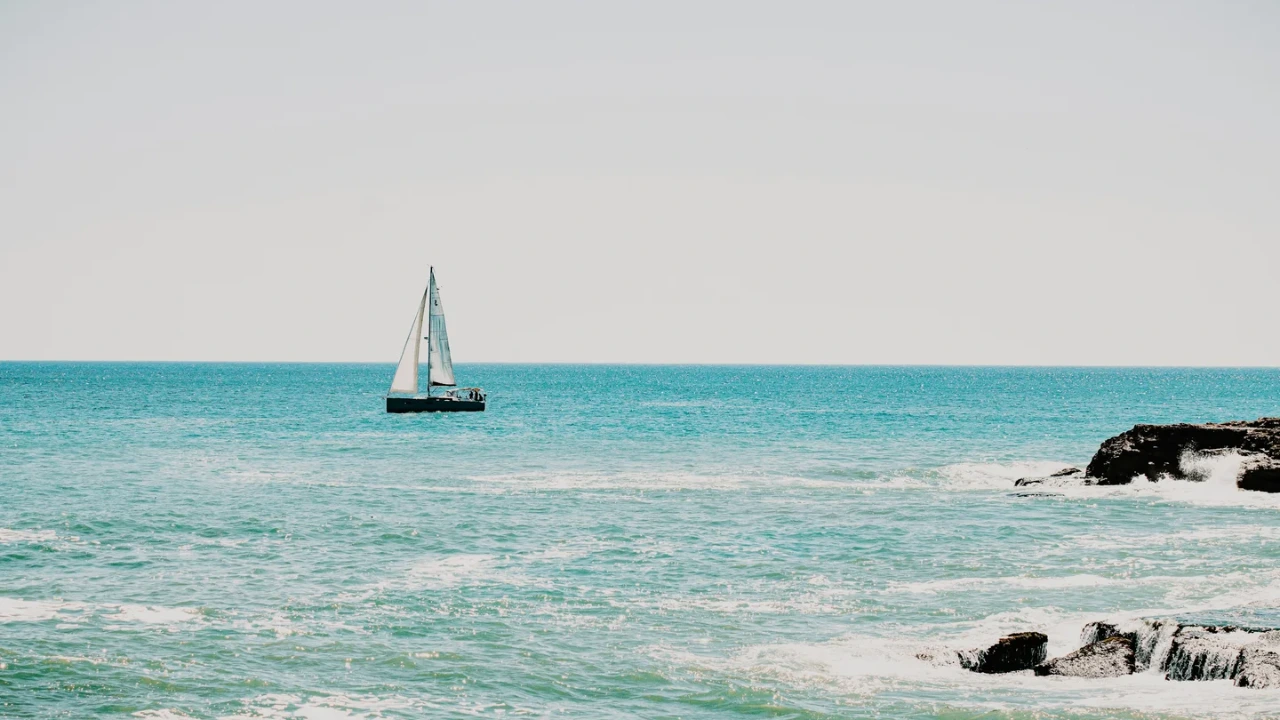
At 100% the sample becomes a pure black-and-white line drawing: no color is left, brightness rises by about 68% as most areas turn white, and contrast rises by about 60%. At 70% a pale trace of color remains (brightness about +48%). At 35% the photo is still easy to recognize, with pencil lines over faded color (about +27%).

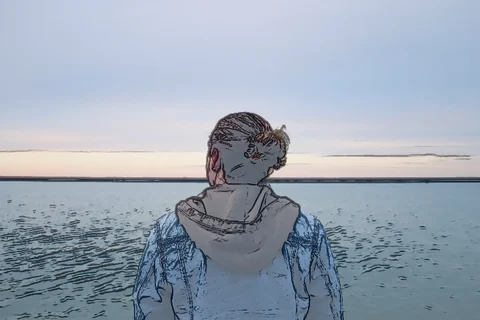
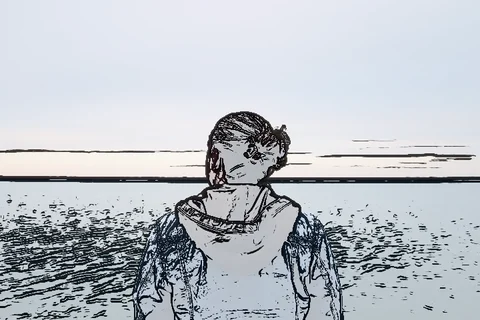
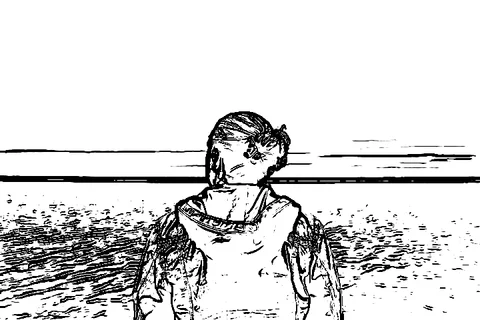
Measured from the images on this page. Results vary with each photo.
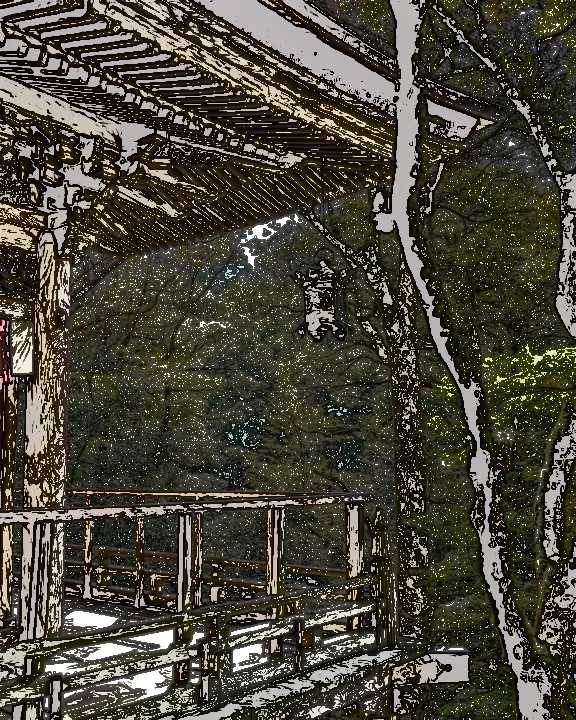
On a photo full of detail
Leaves, branches and carved wood all become strokes, so the drawing gets dense and brightness drops by about 33% at 70%, unlike the lighter result on the sample. Pencil looks cleanest on photos with a clear subject and a simple background, such as a portrait against the sky.

IN YOUR BROWSER
How to turn a photo into a pencil sketch online
Open your photo
Start with your own photo or the sample. The photo is edited in your browser and is not uploaded for editing.
Choose Effects → Pencil
Start around 70%. Use 100% for a pure line drawing with no color. Photos with a clear subject and a plain background give the cleanest lines.
Save with Dorr Pro
This is a Pro look: the web editor shows the preview, and saving needs Dorr Pro in the iPhone or Android app. To save on the web, remove it or try a free look below.
PHOTO EFFECTS · EFFECT
Pencil, Sobel Edge, Canny Edge or Comic?
The same sample at 70%, so you can compare similar looks side by side.
PencilPRO
Dark pencil strokes on a pale, paper-like background.
Try Pencil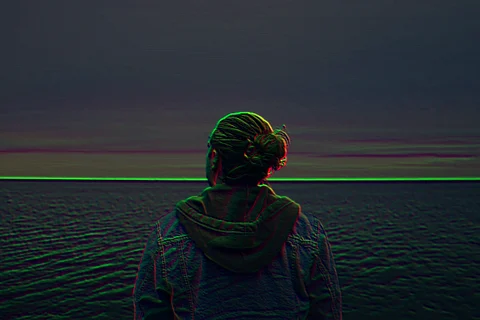
Sobel Edge
Glowing colored edges on a dark background.
Try Sobel Edge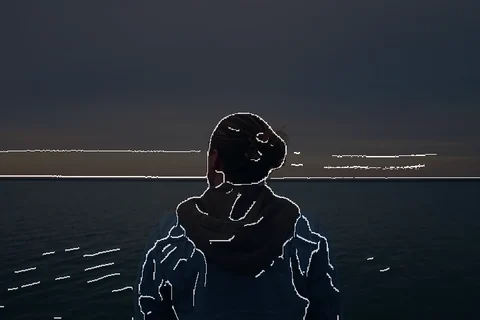
Canny Edge
Thin white outlines on a dark background.
Try Canny Edge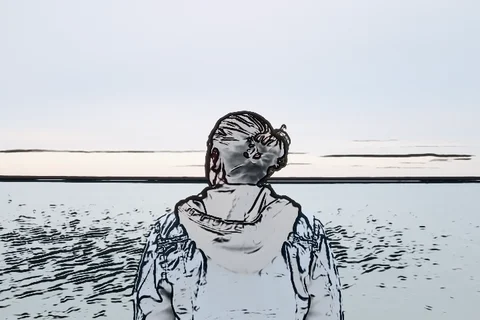
Comic
Black ink outlines with light gray shading on white.
Try Comic
PHOTO EFFECTS · EFFECT
Pencil at a glance
| Category | Effects |
|---|---|
| Name in Dorr | Pencil |
| Strength | 0–100%, start around 70% |
| Apply to | Entire photo, Subject or Background |
| Price | Pro: free preview on the web, saving with Dorr Pro in the app |
| Web save | Preview only |
GOOD TO KNOW
Frequently asked questions
Is Pencil free?
Pencil is a Pro item. You can preview it free in the web editor; to save, use Dorr Pro in the iPhone or Android app, or remove it and save with a free look.
Is there a free sketch effect?
Yes. Comic draws black outlines with light shading on white and saves free. Sobel Edge and Canny Edge draw bright edges on a dark background. All three are free in the web editor and in the app.
Does the app use the same Pencil?
Yes. The web editor uses the same Pencil as the Dorr app. In the app you can also add text, correct perspective and undo steps, and Dorr Pro saves in HD.
YOUR NEXT PHOTO. YOUR NEXT STORY.
Dorr app for iPhone and Android
Keep creating, wherever the day takes you. Edit photos and make videos on iPhone and Android.

iPhone (iOS 18+) · Android 10+ · Free download