

PHOTO EFFECTS · TEXTURE
Light leak photo effect
A light leak is the warm streak that appears when stray light reaches film. Dorr’s Flare texture adds a pink-orange streak of light along the right edge of a photo, and it’s free: apply it in the web editor, choose a strength from 0 to 100% and save a PNG, with no sign-up. Glow is a Pro alternative with softer golden light.
Free · No sign-up · Photos stay in your browser
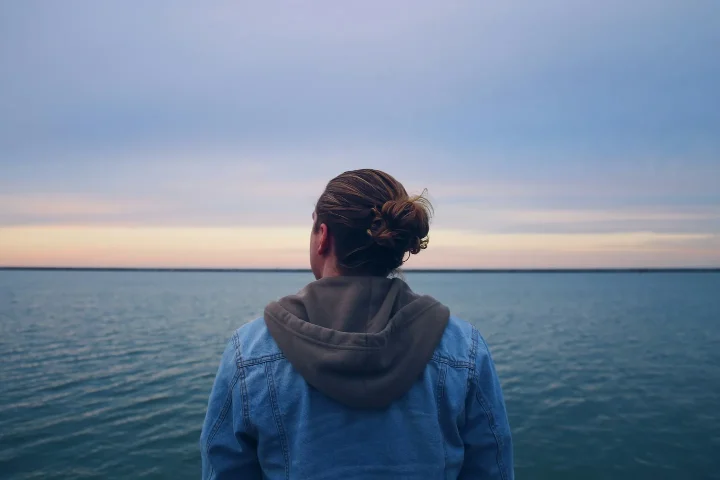
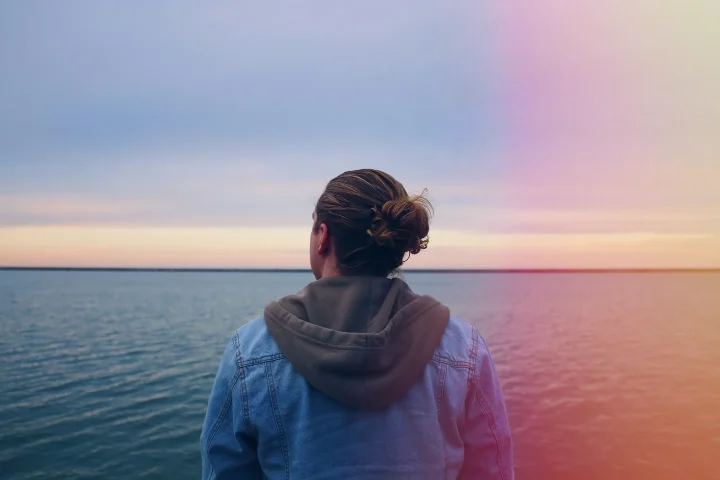
PHOTO EFFECTS · TEXTURE
What changes at 35, 70 and 100%
At 35% the streak is a faint pink glow; at 70% it is clearly visible over the sky and the sea; at 100% the right side turns bright orange. Because the light is added on top of the photo, average brightness rises by about 5%, 10% and 14%, and the cool blue tone of the sample shifts toward warm.
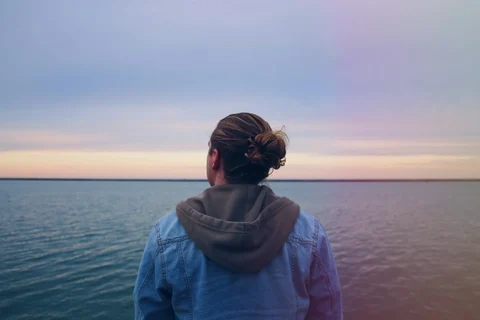
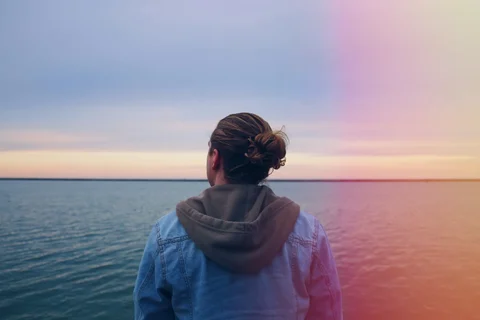
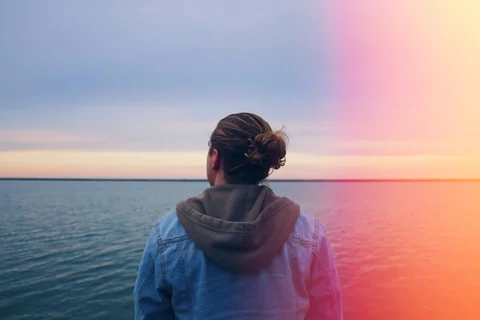
Measured from the images on this page. Results vary with each photo.
On a dark, moody landscape
On a portrait-format mountain photo, the light becomes a deep red edge on the right and leaves the peak and the pink flowers untouched. Brightness rises by only about 6% at 70%. Keep your subject away from the right edge, or lower the strength, so the light does not cover it.
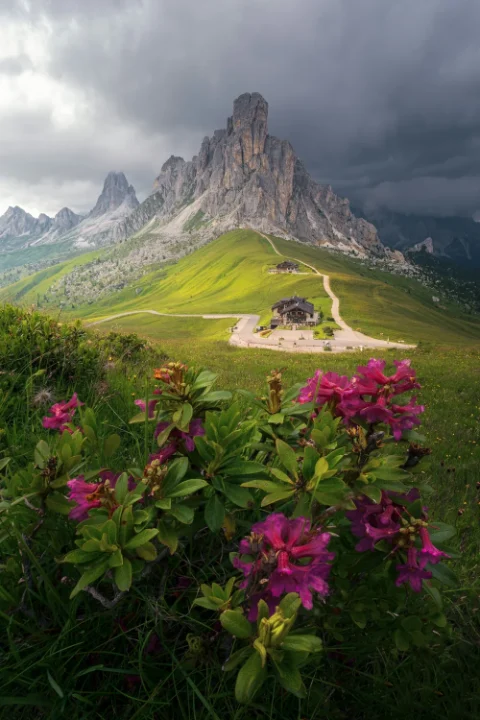
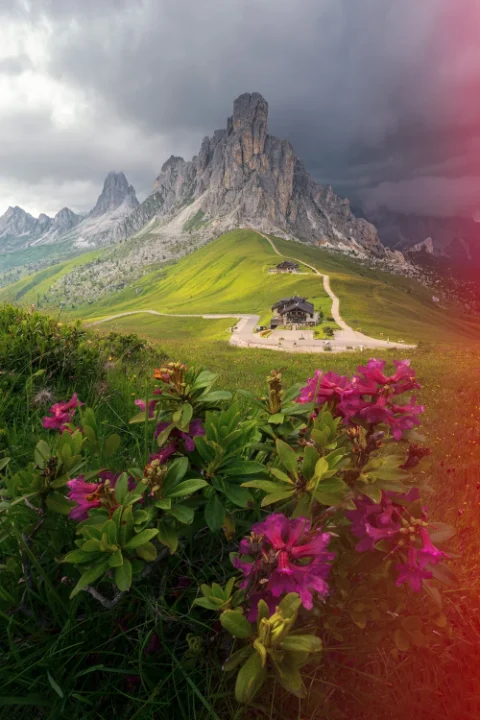
IN YOUR BROWSER
How to add a light leak to a photo online
Open your photo
Start with your own photo or the sample. The photo is edited in your browser and is not uploaded for editing.
Choose Textures → Flare
Start around 70%. Textures cover the whole frame, so if a face is near the right edge, lower the strength.
Save the PNG
Choose Save to download a PNG up to 720 pixels on its longest side. Save before you leave the page.
PHOTO EFFECTS · TEXTURE
Flare, Glow, Analog or Vintage?
The same sample at 70%, so you can compare similar looks side by side.
Flare
A pink-orange streak of light along the right edge.
Try Flare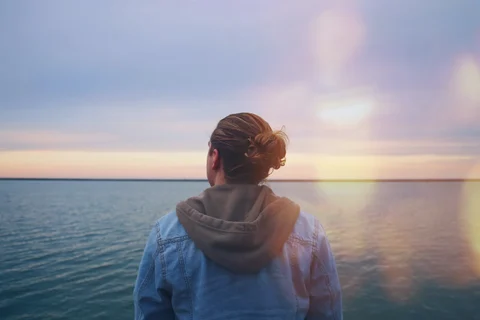
GlowPRO
Soft golden flares of light across the center of the frame.
Try Glow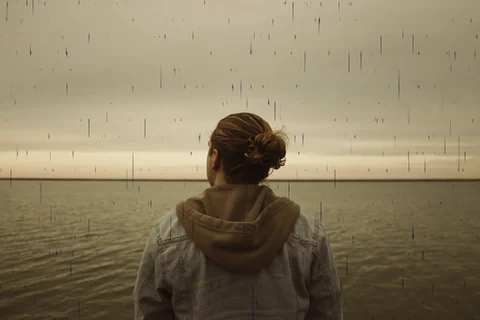
Analog
Warm film color with dust and scratch marks.
Try Analog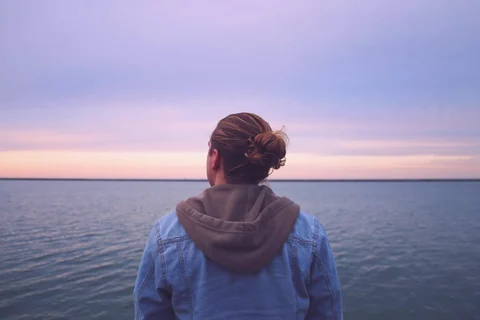
Vintage
Faded and airy: lighter shadows, softer color, a rose-lavender tint.
Try Vintage
PHOTO EFFECTS · TEXTURE
Flare at a glance
| Category | Textures |
|---|---|
| Name in Dorr | Flare |
| Strength | 0–100%, start around 70% |
| Apply to | Entire photo, Subject or Background |
| Price | Free on the web and in the app (not Pro) |
| Web save | PNG, up to 720 px on the long side |
GOOD TO KNOW
Frequently asked questions
Is Flare free?
Yes. Flare is not a Pro item, so you can preview and save it free in the web editor and in the iPhone and Android app.
Is Glow free too?
No. Glow is a Pro texture: you can preview it in the web editor, but saving needs Dorr Pro in the iPhone or Android app. Flare is free on the web and in the app.
Does the app use the same Flare?
Yes. The web editor uses the same Flare as the Dorr app. In the app you can also add text, correct perspective and undo steps, and Dorr Pro saves in HD.
YOUR NEXT PHOTO. YOUR NEXT STORY.
Dorr app for iPhone and Android
Keep creating, wherever the day takes you. Edit photos and make videos on iPhone and Android.

iPhone (iOS 18+) · Android 10+ · Free download